Scene 1
Late-night assignment people keep it because the tiny pixel clock makes the whole menu bar feel more intentional, not just functional.
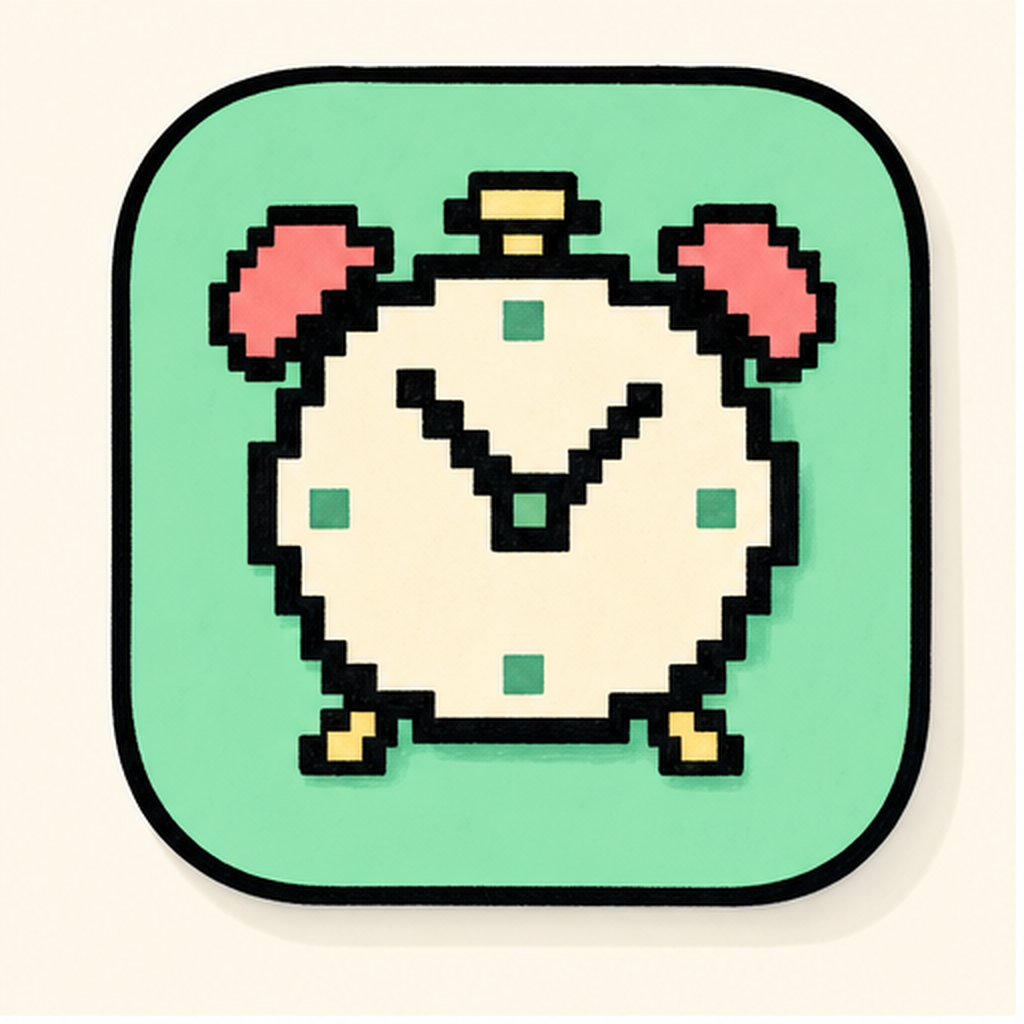
/// the shelf · pixelclock
A retro pixel clock that makes your menu bar look deliberate.
A free pixel-art clock that gives your menu bar actual personality.
PixelClock is a native Mac app built for clock, pixel, retro, giving Apple Silicon and Intel Mac users a cleaner way to handle those jobs every day.
Easy to install on a whim, surprisingly easy to keep for months.
Email-gated · the PixelClock.dmg arrives in your inbox seconds after checkout.
Fully local · the app sends nothing home · no telemetry, no analytics SDKs.
/// preview
Core search
clock · pixel · retro
Best-use moment
Built to make clock and pixel feel faster and more deliberate on a Mac you use every day.
Who it fits
Late-night assignment people keep it because the tiny pixel clock makes the whole menu bar feel more intentional, not just functional.
Search intent
This page is tuned for people looking for PixelClock for Mac, clock, pixel, retro, menu bar, and lightweight macOS utilities apps.
/// about
“PixelClock drops a tiny pixel-art clock into your menu bar with a fistful of skin options, chunky 8-bit, soft retro, neon arcade. It takes one dead corner of your screen and turns it into part of your setup.”
— PixelClock team
/// PixelClock · in the wild
Not fake reviews, just a cleaner read on why this app tends to stick with the people it was made for.
Scene 1
Late-night assignment people keep it because the tiny pixel clock makes the whole menu bar feel more intentional, not just functional.
Scene 2
You open it for the time, then keep it because your desktop suddenly feels more retro and more yours.
Scene 3
It lands especially well with anyone who wants their MacBook to feel like a curated desk, not a default laptop.
/// PixelClock · q & a
/// PixelClock · what's new
/// more from the shelf
Utilities
Drag a window once, then wonder why macOS never did this for you.
Lifestyle
A soft-moving menu bar gradient for people who notice mood instantly.

Weather
A weather app people actually check because the forecast has a face.
Takes a minute. Lives with you forever.
Email-gated · the PixelClock.dmg arrives in your inbox seconds after checkout.
Fully local · the app sends nothing home · no telemetry, no analytics SDKs.