Wait, desktop pets are back?
If you grew up online in the late 90s, "desktop pet" probably means one specific thing — a virtual hamster running across your Windows 98 taskbar, or maybe Neko, the cat that chased your cursor in 1989. (Yes, the year. Look it up.) Then desktop pets sort of disappeared for two decades. Phones killed them. Nobody wanted a Tamagotchi on a screen they could shut.
In 2026 they're back, hard. The aesthetic-Mac side of TikTok is full of clips of MacBooks with tiny pets bouncing around the desktop, and the search trend for "desktop pet mac" has been climbing every quarter for two years. Why?
A few overlapping reasons. Gen Z is way more okay with cute things than millennial design culture was — the aggressive minimalism era is over. Working from home means your desktop is basically your room now, and people decorate their rooms. And maybe the biggest reason: AI assistants made everyone's screen feel a little colder. A pet that does nothing useful and just hangs out is the antidote.
This post covers three free Mac desktop pets I actually run — all from mac-neo, all genuinely free. There's a brief detour at the end about the classic 90s/00s desktop pets, for context.
1. PetCursor — a tiny friend that follows your cursor
PetCursor is the modern, polished take on the old "Neko" idea. A small animated character lives just behind your mouse pointer and scampers after it as you scroll, click, type. Sleeps when you stop moving. Plays a little reaction animation when you click. Stays out of the way of your actual work but is always within glancing distance.
The free Lite version ships with one starter pet and full click reactions on a single monitor. That's enough for most people. Pro ($4 one-time, no subscription) unlocks the full roster of 12+ characters, custom outfits, and multi-monitor following — but the free pet alone is a noticeable upgrade to your desktop's energy.
I've had it running for about four months on my main MacBook and the only reason I'd ever uninstall it is if I had to do a screen-share for a stuffy enterprise meeting, which is, statistically, almost never.
2. ChargePet — a battery indicator with feelings
This is the one I tell every friend about, because it's the most "oh, I needed this without knowing it" of the three.
ChargePet replaces the way you think about your battery icon. It's a tiny pet that eats while your laptop is charging — visibly chewing, happy animations — and naps when full. Below 15% it gets dramatic, looking around concerned. Plug it back in and the eating animation kicks back up. The actual battery percentage is still there, but it's now attached to a creature with feelings about your habits.
Sounds gimmicky in writing. In practice it changes your relationship with charging. People with this app installed report that they actually plug in earlier, because they don't want their pet to suffer. (No, really.)
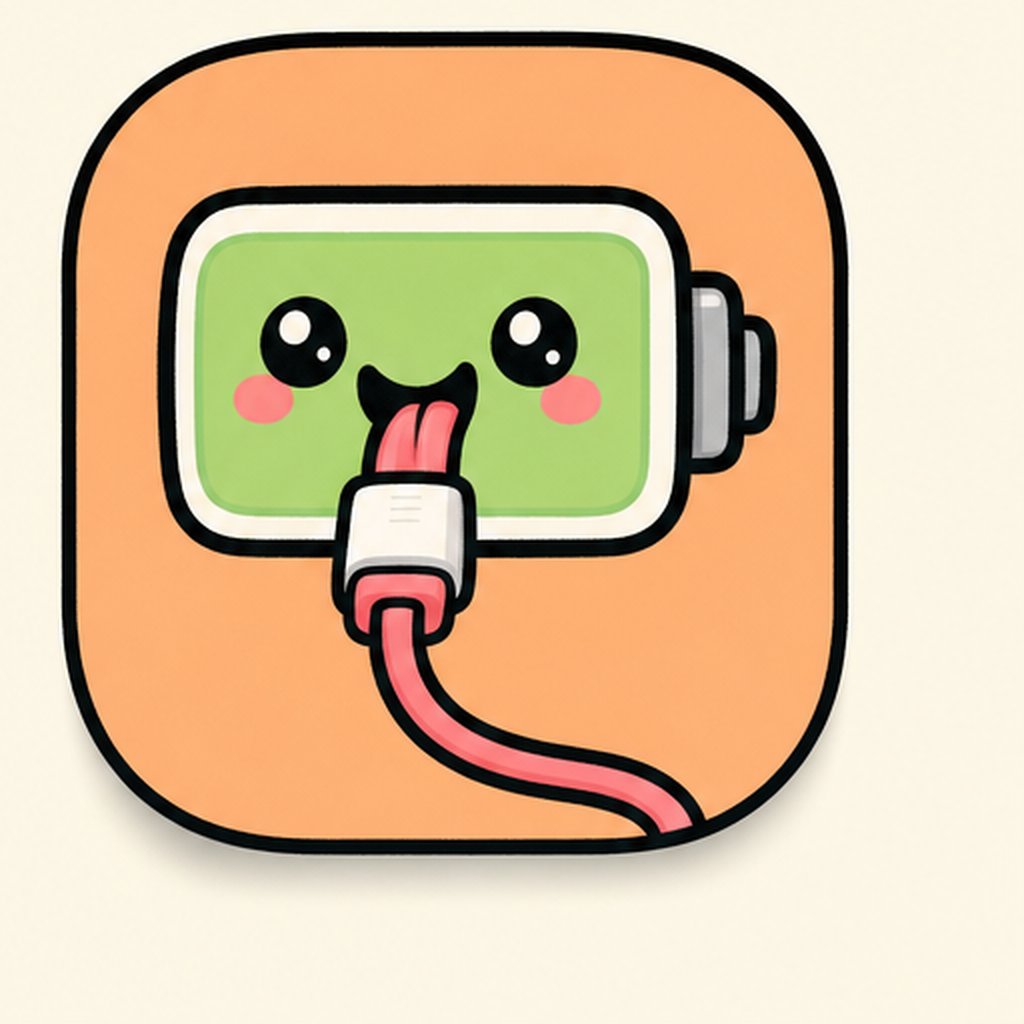
Free, no email, no upsell.
3. WeatherPet — a desktop pet that dresses for the forecast
WeatherPet sits on a corner of your desktop and acts out the weather in real time. Sun + tank top. Rain + umbrella. Snow + tiny boots and a scarf. Storm + the pet hides under a rock for a second.
The genius of this one is it replaces the moment where you Cmd+Tab to your weather app or pull up the menu bar weather widget. You glance at the corner of your desktop, see the pet's outfit, and you know. It's faster than the menu bar widget, and a hundred times more charming.

Pairs especially well with PetCursor — different pets in different roles, both free, both adding life to the desktop without competing for attention.
Why this is more than a passing trend
I think desktop pets specifically are sticking around (versus other 2025-2026 nostalgia waves like winamp skins or skeuomorphic icons) for one reason: they're functional cute. ChargePet is a battery indicator. WeatherPet is a weather widget. PetCursor is a cursor. They do the boring system job they're supposed to do, while also being a small living thing on your screen.
That's a categorically different proposition than "I downloaded a Tamagotchi for my desktop and now I have to feed it." Modern desktop pets are passive companions. They don't beg for attention. They just exist — and your eye softens a little every time it lands on one.
There's also a quieter ergonomic angle. Designers and people who stare at code all day talk a lot about "screen fatigue" — the flat, harsh feeling of looking at a UI for nine hours straight. A small piece of motion in your peripheral vision that isn't a notification badge or a Slack ping is genuinely calming. It's the same instinct that makes people put houseplants on their desks. The pet is a houseplant for your screen.
A brief 90s/00s desktop pet detour
For the people who came of age before all this:
- Neko (1989) — the original. A black cat that chased your cursor on early Macs and X11 systems. Created by Masayuki Koba.
- Bonzi Buddy (1999) — the legendary purple gorilla on Windows. Famously turned out to be spyware. Iconic anyway.
- Microsoft Office Assistant (1997) — Clippy and his coworkers. Hated by adults, beloved by kids, eventually killed by Microsoft in 2007. Recently brought back as a meme.
- Tamagotchi PC editions — everyone made one for a hot minute in 2001. None of them survived.
The modern wave learned from those: don't pop up nag dialogs, don't ask the user to do anything, don't try to be useful by interrupting. Just exist on the desktop and react to ambient conditions. PetCursor + ChargePet + WeatherPet are basically the polished, post-Clippy version of the desktop pet idea.
The three-pet stack
If you want the full effect:
- PetCursor — a friend that follows your cursor (lifelike companion energy)
- ChargePet — turns your battery icon into a creature with feelings
- WeatherPet — a weather widget that's also a tiny meteorologist character
All three are free, all three from mac-neo, total install time under five minutes. They don't fight visually because they live in different parts of the screen — cursor, battery icon, desktop corner.
Adopt all three. Or just one. Either way, your desktop feels less like a control panel and more like a small ecosystem. That's the whole point.
If you've been resisting the desktop pet trend because it sounds like a Bonzi Buddy throwback, give one of these a week. Worst case you uninstall it and go back to your boring battery icon. Best case you wonder how your screen ever felt complete without a tiny creature napping on it. Most people in our Discord land in camp two.
Pick up PetCursor, ChargePet, and WeatherPet from mac-neo — all free, no signup.