What Magnet does (and why people pay $10 for it)
Magnet is the App Store's most popular window manager. The pitch is simple: drag a window to the edge of the screen and it snaps to a half. Drag to a corner, snap to a quarter. Hotkeys for everything. It's been the default recommendation since 2015, and at $10 one-time it's not exactly extortion.
But you don't have to spend the $10. macOS has shipped half a built-in solution since macOS 15 Sequoia, and the open-source community has shipped full free alternatives for years. If you're paying for Magnet today and reading this post, here's what you can switch to without losing anything you actually use.
1. Rectangle — the obvious free Magnet replacement
Rectangle is the open-source, MIT-licensed app that does what Magnet does. Same drag-to-edge snapping. Same keyboard shortcuts. Same custom hotkey configuration. Maintained by Ryan Hanson (the original author of Spectacle, who basically rewrote Spectacle as Rectangle when he updated it for modern macOS).
It is, for almost everyone, a 1:1 replacement for Magnet at $0. The settings are slightly nerdier-looking than Magnet's pristine UI, but the actual snapping behavior is indistinguishable. If you want literally what Magnet does, install Rectangle and uninstall Magnet. That's the entire move.
There's a Rectangle Pro ($10 one-time) that adds more advanced features — todo: configurable layouts beyond halves/quarters/thirds, app-specific rules, mouse-cursor based positioning. For 90% of users, free Rectangle is the answer.
2. SnapGrid (mac-neo)
SnapGrid takes a slightly different angle on the same problem. Instead of just halves and quarters, it lets you define a custom grid — thirds, fifths, asymmetric splits, weird off-center layouts — and any window snaps cleanly to whatever grid cell you drag it toward. Hotkeys for the keyboard people, drag-to-snap for everyone else.
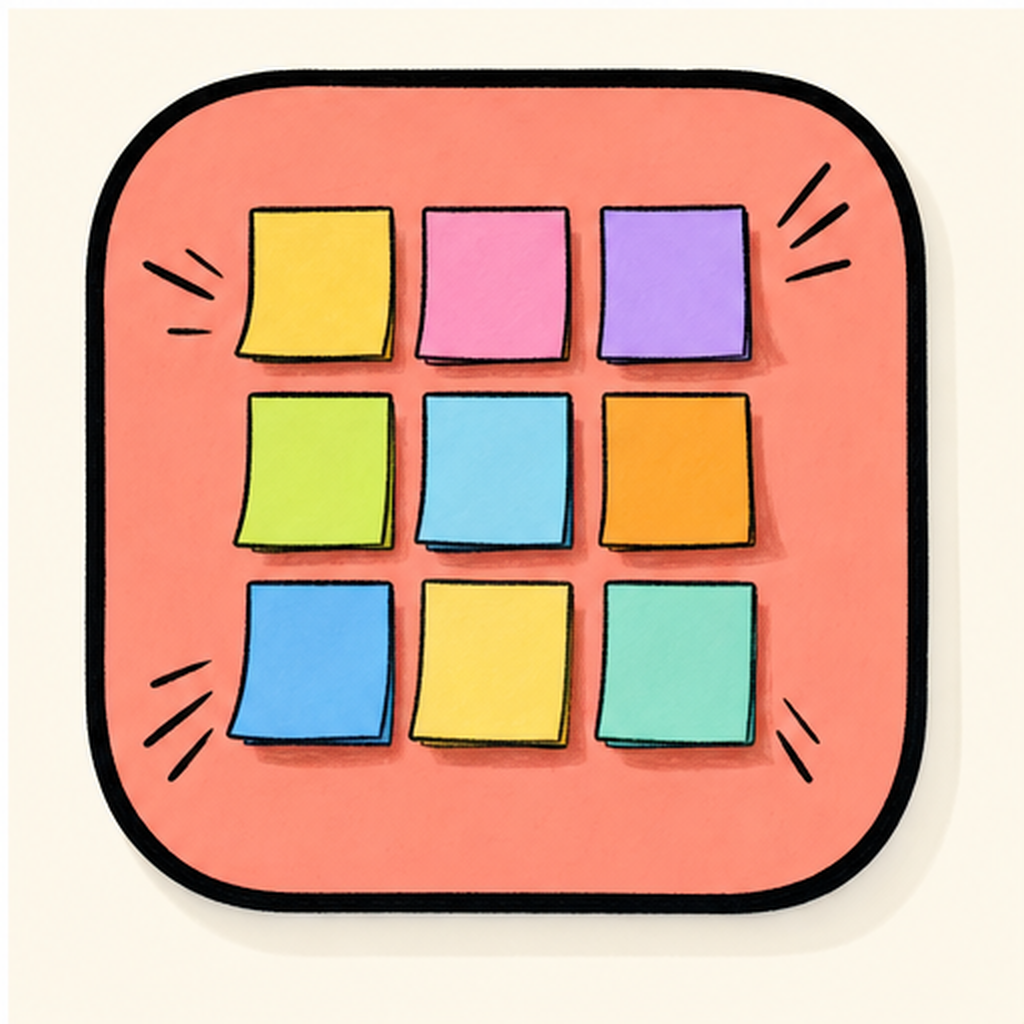
The reason to pick SnapGrid over Rectangle: if you have a 32-inch monitor and the standard "half-screen" feels like wasted space, custom grids matter. A 3-column grid for a chat app + IDE + browser layout, or a 60/40 split for writing-with-reference, or quarters with a side-rail for notifications. Rectangle handles the basics well; SnapGrid handles the cases where the basics aren't enough.
It's free, no signup. There's no Pro upsell — what you install is what you get.
| vs. | SnapGrid |
|---|---|
| Name | SnapGrid |
| Tier | Free |
| Price | Free |
| Category | Utilities |
| Tags | window · manager · snap |
3. Spectacle — deprecated but still the reference
Spectacle is the OG. It was the free window manager on Mac from roughly 2013 to 2019, when the original maintainer (Ryan Hanson, again) stopped updating it and pointed everyone at Rectangle. The GitHub repo is still up, and the app technically still runs on modern macOS, but it's unmaintained.
You'll still see Spectacle recommended in older threads. The honest take in 2026: just install Rectangle. It's the same author, the same idea, modern code, and it gets actual updates. Spectacle is here in this list for completeness because if you've been on Mac for a decade, you might still have it installed and not realize there's no reason to keep it.
4. macOS 15 Sequoia built-in window tiling
Apple finally added native window tiling to macOS in Sequoia (released fall 2024). Drag a window to the edge of the screen, hold for a moment, and macOS shows you a snap zone overlay. Release, snap. There are also Window menu commands — Window → Move & Resize → Left, Right, Top, Bottom, Quarters — and keyboard shortcuts (fn+Ctrl+arrow).
It's enough for some people. Genuinely. If your only need is "put this window on the left half and that one on the right half" and you don't want a third-party app, the built-in is fine. The catches:
- The drag-to-edge gesture has a deliberate hold delay so it doesn't fire accidentally. Magnet/Rectangle snap instantly. The delay feels slow once you're used to instant.
- No custom layouts. Halves and quarters only. No thirds, no asymmetric splits.
- No customizable keyboard shortcuts. You get Apple's defaults, take or leave.
- It interacts weirdly with Stage Manager if you have that turned on.
So which one should you actually install?
The honest matrix:
You used to pay for Magnet and want a free 1:1 swap. Rectangle. It's literally the same idea, MIT-licensed, by the same person who started this whole category.
You want layouts beyond halves and quarters. SnapGrid. Custom grids are the differentiator.
You're on macOS 15+ and want zero new installs. The built-in tile commands. They're not as fast as Magnet/Rectangle but they're truly free and there's nothing to manage.
You have Spectacle from 2017 and never updated. Replace it with Rectangle today. Same author, modern code.
A quick note on Magnet itself
This post is framed as "Magnet alternatives," which sounds like a takedown — it isn't meant to be. Magnet is a perfectly good app. The team has shipped consistent updates for a decade, the UI is polished, and the App Store distribution means it auto-updates without thinking. If you bought it years ago and it's working, there's no reason to switch.
The argument is just: in 2026, the free alternatives have caught up to the point where there's no functional reason to start with Magnet if you're new to window managers on Mac. Rectangle does the basics, SnapGrid does the advanced layouts, and macOS 15+ has built-in tiling for the bare minimum. The $10 is fine; it's also no longer necessary.
The aesthetic question
One thing worth flagging: window managers are highly personal because they change a habit you do hundreds of times a day. The right one is the one that disappears into your reflexes — you stop thinking about which corner to drag to, and just drag. That takes about a week of consistent use with any of these apps.
Don't switch between window managers every weekend "to compare." Pick one, force yourself to use it for two weeks, then judge. The first three days will feel slightly worse than whatever you had before because your fingers haven't relearned the gesture. After two weeks, you'll know.
Pick up SnapGrid from mac-neo for free if you want custom grids, or grab Rectangle from rectangleapp.com if you just want the Magnet experience without the price tag.