Why desktop pet apps keep coming back
A desktop pet app sounds small until you actually spend a week with one. Then it starts to make sense. The MacBook feels less sterile, the screen feels less empty, and tiny routine checks become a little easier to notice.
That is why desktop pet apps for MacBook never really disappear. They keep returning in slightly better, lighter, and cuter forms.
1. PetCursor, if you want a companion that follows your work
PetCursor is the strongest pick if you want the desktop pet feeling itself.
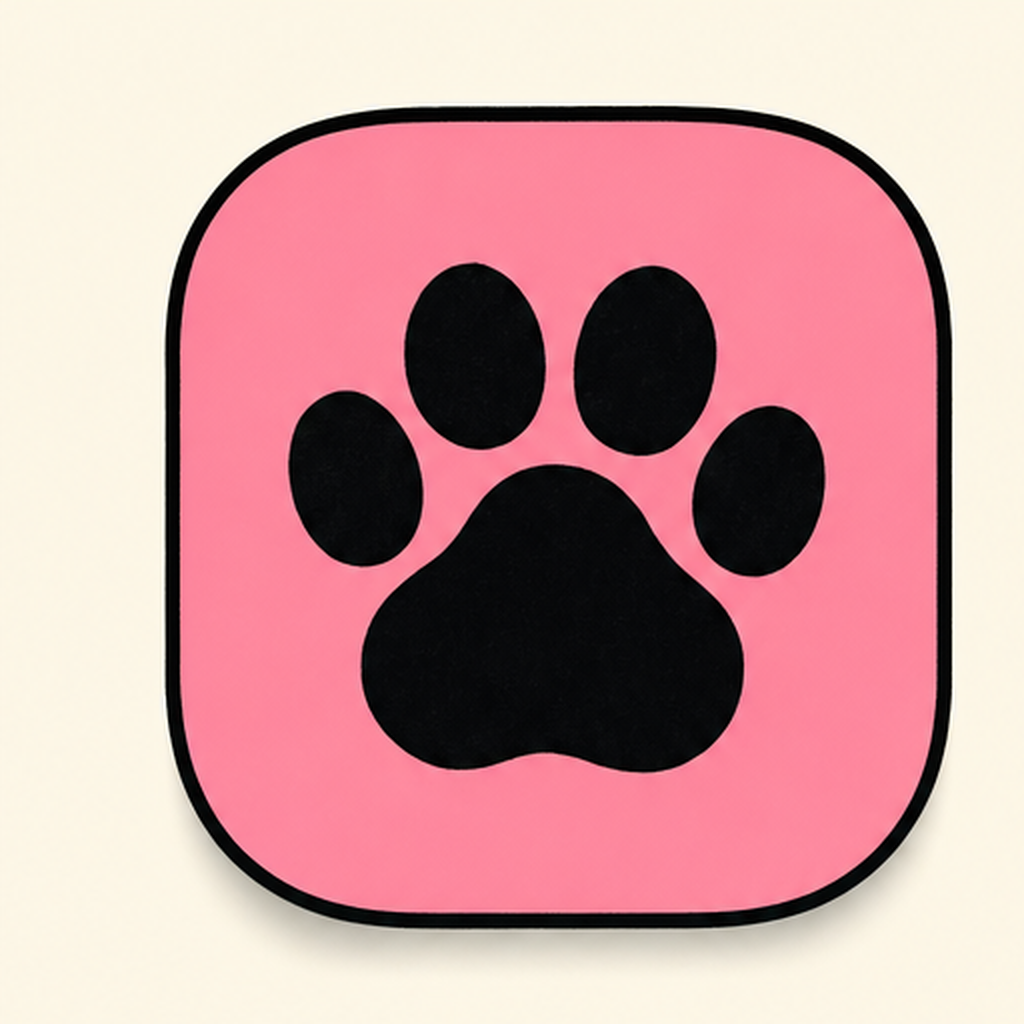
It follows your cursor, reacts to clicks, and adds movement to the screen without hijacking the whole desktop. That balance matters. A pet app should feel alive, not distracting.
2. WeatherPet, if you want usefulness with the personality
Some people want the pet feeling, but they also want a reason to keep opening the app. That is where WeatherPet works well.

Instead of sitting on the desktop just for decoration, it turns the forecast into a tiny character moment. That makes it easier to check the weather naturally instead of treating it like a chore.
3. ChargePet, if battery status is the thing you ignore too often
ChargePet takes another practical signal and gives it a little life.
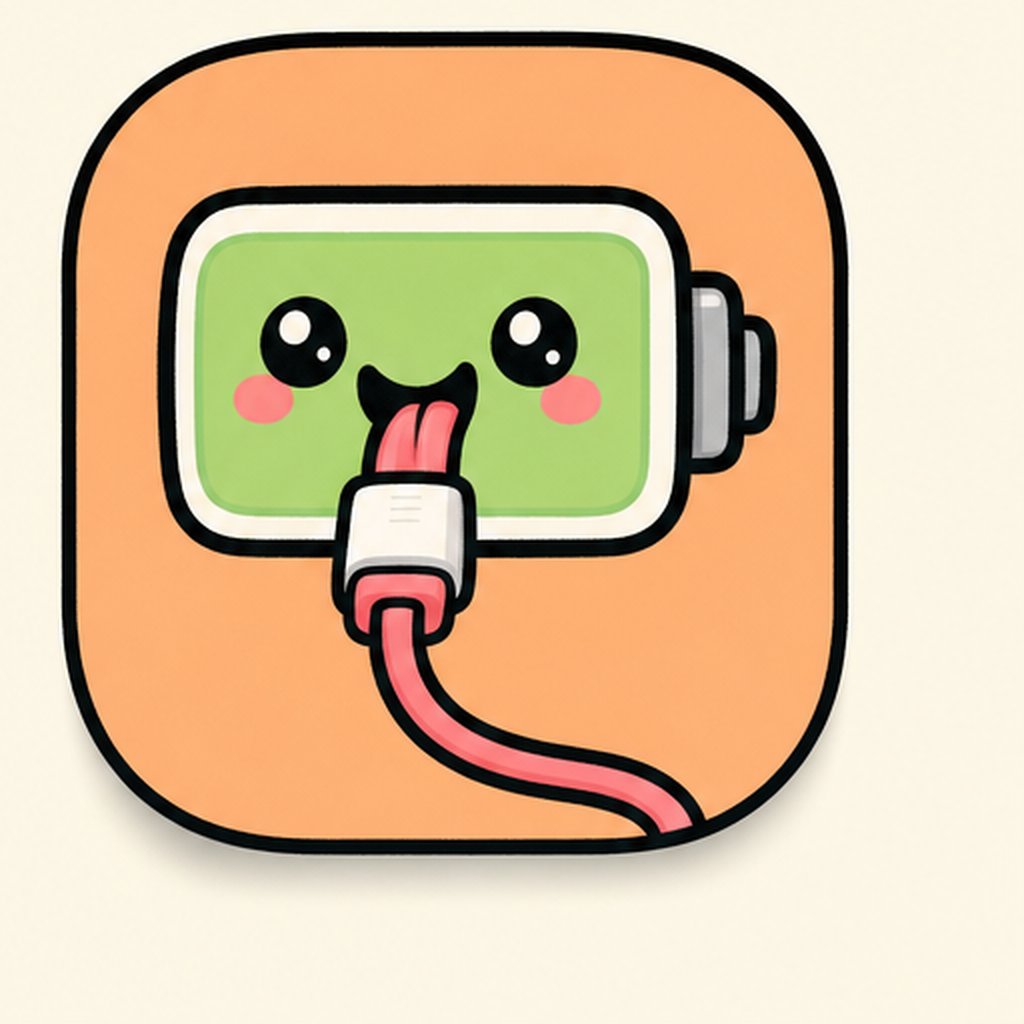
If battery state usually disappears into the background until the moment it becomes urgent, a pet-like visual layer is a surprisingly good fix. You notice it sooner because it feels like a character, not a meter.
| vs. | WeatherPet | ChargePet |
|---|---|---|
| Name | WeatherPet | ChargePet |
| Tier | Free | Free |
| Price | Free | Free |
| Category | Weather | Lifestyle |
| Tags | weather · pet · character | battery · pet · character |
What makes a desktop pet app worth keeping
The best cute Mac apps in this category usually do three things well:
- they stay light,
- they add personality without clutter,
- they connect to something you already look at.
That is why pet apps linked to the cursor, weather, or battery often last longer than novelty apps that do not tie into any daily routine.
Which one should you try first?
- choose PetCursor if you want the strongest desktop-companion feeling,
- choose WeatherPet if you want weather with personality,
- choose ChargePet if you want battery awareness that feels less dry.
If your MacBook feels a little too blank lately, a good desktop pet app is one of the fastest ways to change that.