Why menu bar apps still matter on Mac
The menu bar is one of the few parts of a Mac you look at dozens of times a day without thinking about it. That is exactly why the best free Mac menu bar apps earn their place so quickly. They live in a tiny strip of space, but they shape how your desktop feels all day.
Some menu bar apps are all about utility. Others are about mood, visibility, or personality. The sweet spot is when a Mac app does both.
1. PixelClock, if the default clock feels too generic
A lot of Mac users want a cleaner or more expressive menu bar, but they do not want a huge widget pack. That is why a small app like PixelClock works so well.
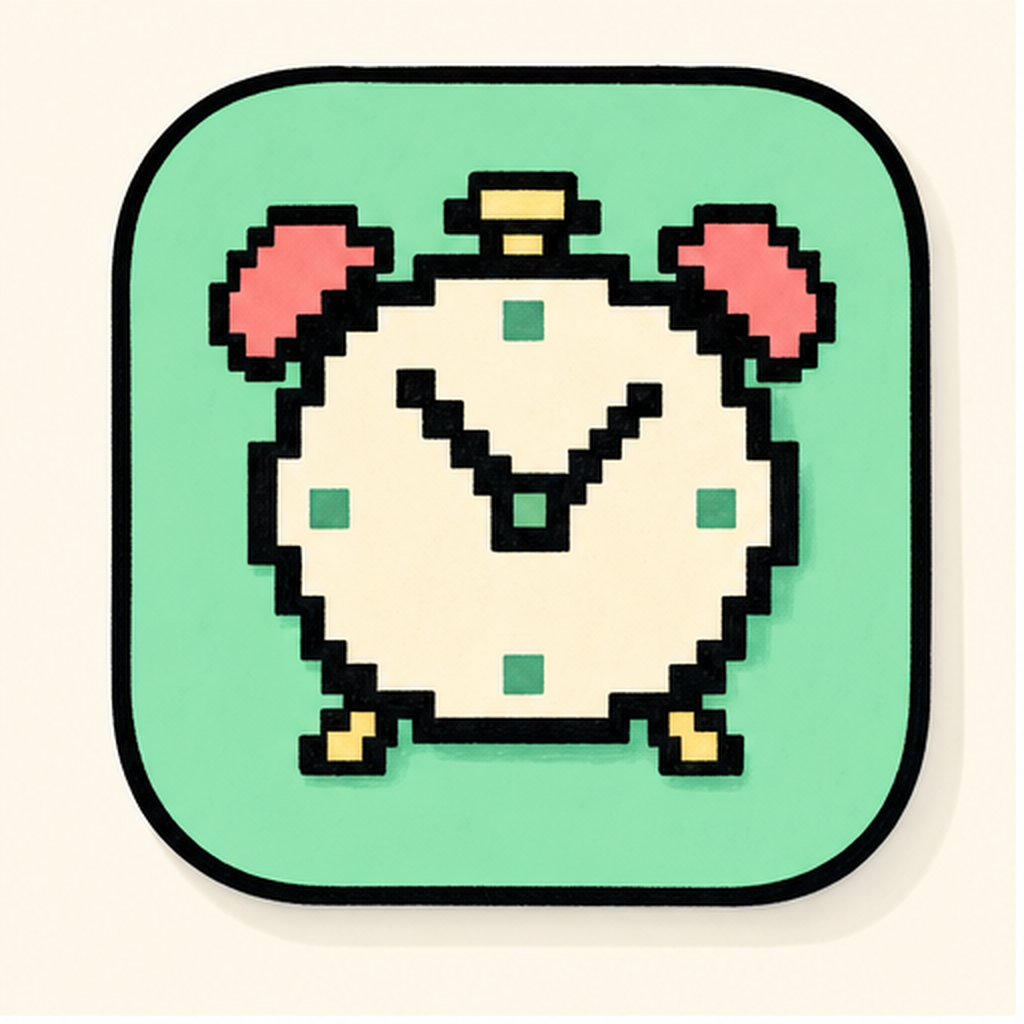
It gives you a free pixel-art menu bar clock that feels more intentional than the default macOS clock, especially if you care about retro setups, study aesthetics, or a menu bar that looks like part of your desktop instead of a stock system element.
2. AuraBar, if you want the menu bar to feel softer
AuraBar is less about raw function and more about the feel of the top edge of your Mac.
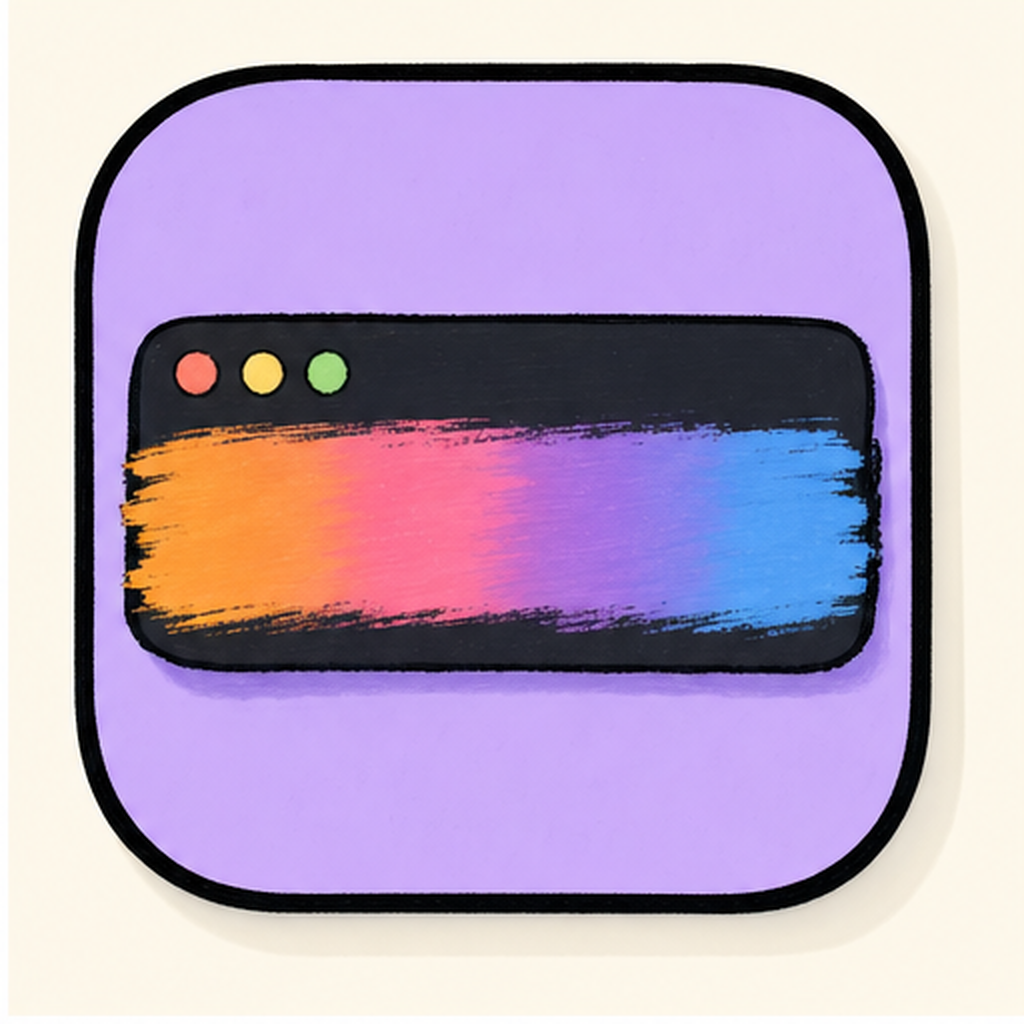
If your setup is built around wallpaper mood, lighting, or a more curated desktop, a subtle menu bar gradient can do a surprising amount of work. It makes the desktop feel less default without forcing extra clutter onto the screen.
3. BusyCat, if you want a system monitor you will actually look at
Some menu bar apps exist because the information is useful. BusyCat works because the information is useful and the presentation is fun enough that you will keep noticing it.

Instead of another dry system graph, you get a CPU monitor that reads like a tiny animated companion. For creators, students, and developers, that can be a better way to keep an eye on load without opening a bigger dashboard.
Which free Mac menu bar app should you start with?
If you want the fastest recommendation:
- choose PixelClock for a more distinctive clock,
- choose AuraBar for a more aesthetic menu bar,
- choose BusyCat if you want lightweight system visibility.
| vs. | PixelClock | AuraBar |
|---|---|---|
| Name | PixelClock | AuraBar |
| Tier | Free | Free |
| Price | Free | Free |
| Category | Utilities | Lifestyle |
| Tags | clock · pixel · retro | menu bar · aesthetic · gradient |
What makes a menu bar app worth keeping
The best menu bar apps usually share the same traits:
- they solve a tiny problem well,
- they stay light enough to leave running,
- they improve the desktop without taking it over.
That is the standard worth using when you compare anything in this category.
If you are building a better Mac setup this week
Start with one menu bar app that fixes the thing you notice every day. Then add the second only if it still feels clean.
That tends to work better than installing five utilities at once.