The cafe-study MacBook setup is bigger than just looking cute
One of the clearest Gen Z productivity shifts right now is that work is getting pushed out of the bedroom and into third places again. Cafes, library corners, hotel lobbies, campus lounges, anywhere with decent coffee and enough outlets, are becoming part of the actual workflow.
A cafe setup is not the same as a home setup. In public, every bit of friction feels louder. Battery matters more, weather matters more, and your screen has to help you lock in fast.
That is why cafe study setups keep trending. People do not just want a laptop that looks nice next to a drink. They want a setup that makes public-space work feel smoother.
If your current cafe workflow is mostly vibes plus low-grade panic, here is the version worth stealing.
1. Your cafe setup needs a faster lock-in ritual
The first five minutes in a cafe decide whether the session is productive or fake productive. You sit down, move your bag, connect Wi-Fi, pick a playlist, answer one message, open three tabs you do not need, and suddenly the whole outing becomes a soft launch for procrastination.
That is why the best cafe-study setups start with rhythm, not sheer willpower.
FocusBubble works absurdly well for this because it gives you a visual start button without dropping a huge stressy timer in the middle of the screen. The bubble sits quietly on the edge, which is perfect in a public setting. You can see the session moving, but the whole table does not need to know you are trying to rescue your attention span.

This kind of soft timing works especially well in cafes because the environment is already full of little distractions. A gentler timer helps you slide back into the task without drama.
For cafe work, shorter commitment blocks usually win. Forty or fifty minutes is often the sweet spot, long enough to make progress, short enough that you can reset before the room gets too noisy.
2. Battery anxiety is half the cafe experience, so design for it
There are two kinds of cafe MacBook users. People who sit directly next to the outlet, and people who pretend they do not care while quietly checking the battery icon every nine minutes.
If you work outside a lot, battery awareness is not a niche concern. It is part of whether you can relax enough to focus.
ChargePet is a smart fit here because it makes battery status feel visible without turning your menu bar into a sterile systems dashboard. Instead of another cold indicator, you get a tiny character reaction that makes low battery harder to ignore and charging feel a little less annoying.
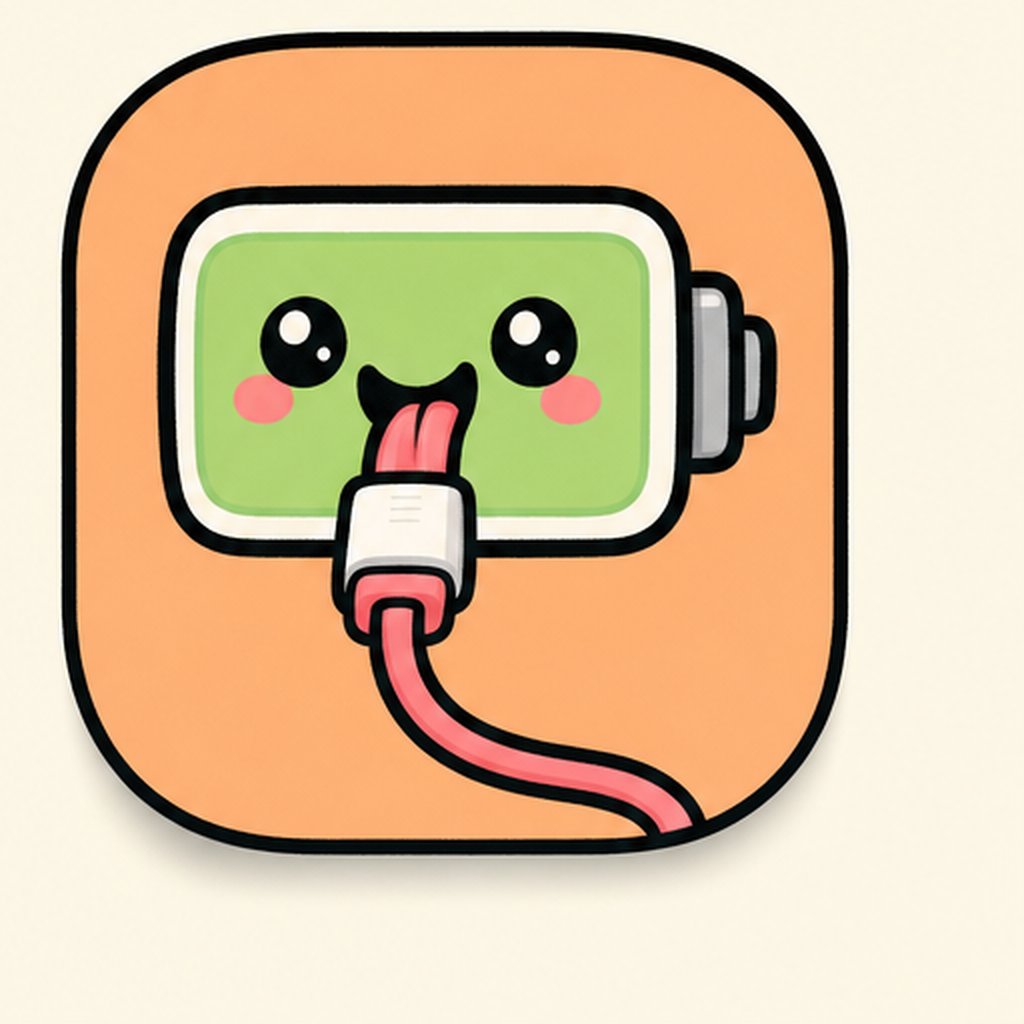
In a cafe session, the best utilities are the ones that lower mental overhead. You do not need a lecture on battery chemistry. You just need a cue that is impossible to miss.
When you stop wondering whether your Mac is about to betray you at 18 percent, more brain space goes back to the thing you came out to do.
3. Weather and atmosphere affect the session more than people admit
Cafe productivity content loves to act like the setup ends at the laptop. It does not. The outside conditions matter. A bright dry afternoon creates a totally different rhythm than a gray rainy day when everyone is lingering indoors and every table is suddenly occupied.
That is where WeatherPet fits surprisingly well. It gives you the forecast in a form that is easier to notice than a normal weather app, which is exactly what you want when you are deciding whether to stay for one more block, move locations, or head home before the weather turns gross.

For public-space workflows, this is more practical than it sounds. If you are bouncing between classes, errands, and a cafe session, fast environmental awareness helps. You do not need a giant radar map. You need one quick glance that tells you whether it is umbrella time or finish-this-now-before-the-rain-starts time.
It also fits the lifestyle side of the trend. Cute, glanceable utilities keep winning because they get checked more often than boring ones.
4. Public-space productivity works best when your screen is visually edited
One underrated reason some people focus better in cafes is that public space forces restraint. You bring less stuff. You open fewer devices. You cannot sprawl forever.
Your MacBook setup should follow the same rule.
That means fewer floating windows, fewer random desktop piles, and less energy wasted arranging apps every time you switch tasks. If you are doing research, writing, and reference checking in a cafe, layout matters a lot because every little drag-and-resize action becomes one more excuse to break concentration.
SnapGrid helps here because it makes your screen feel intentional fast. You can drop your notes, browser, and source material into a clean structure instead of rebuilding the same awkward layout over and over.
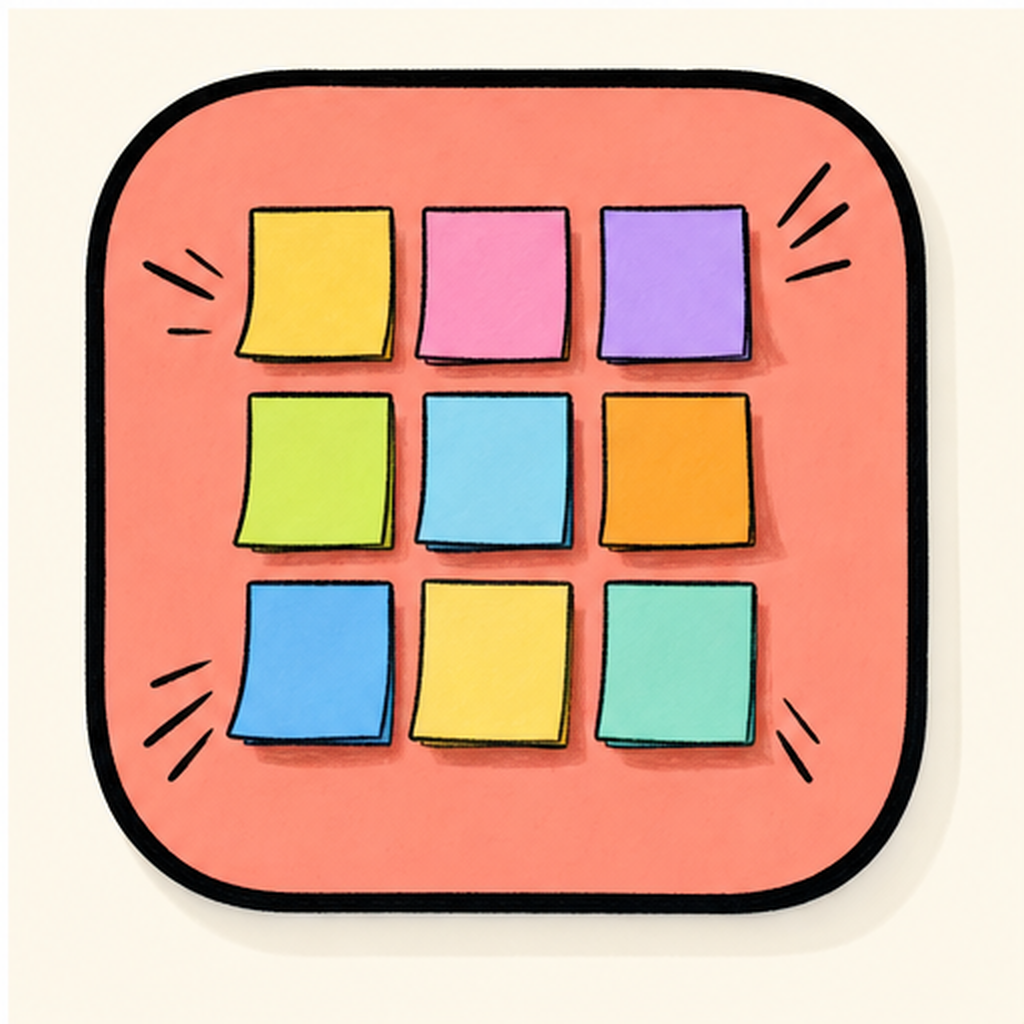
The aesthetic payoff is real too. A clean split-screen setup looks calmer, feels calmer, and makes the whole table scene less chaotic. This is part of why MacBook cafe setups trend so hard online. The best ones are not overloaded, they are edited.
| vs. | FocusBubble | ChargePet |
|---|---|---|
| Name | FocusBubble | ChargePet |
| Tier | Lite + Pro | Free |
| Price | Free / $5 Pro | Free |
| Category | Productivity | Lifestyle |
| Tags | focus · pomodoro · timer | battery · pet · character |
5. The best cafe setup is portable, not performative
This is the trap a lot of aesthetic setup content falls into. It creates a desk fantasy that only works for a photo.
A real cafe-study MacBook setup should survive:
- low battery,
- noisy surroundings,
- changing light,
- short attention spans,
- and the fact that you may only have ninety useful minutes before you need to move.
That is why lighter tools keep outperforming heavier productivity software in this category. You do not want your MacBook to feel like a command center. You want it to feel like a compact system that helps you get in, do the work, and get out with your dignity intact.
The winning stack is usually one focus cue, one battery cue, one environmental cue, and one layout helper.
/// pros
- Helps you lock in faster in noisy public spaces
- Makes battery and weather easier to notice at a glance
- Keeps the setup aesthetic without sacrificing practical utility
/// cons
- Too many cute utilities can still become clutter
- Cafe productivity depends on your environment as much as your apps
- No app can save a session if you open ten unnecessary tabs first
A simple cafe-study stack to try this week
If you want the low-effort version:
- Run FocusBubble for your first work block.
- Keep ChargePet visible so battery never sneaks up on you.
- Use WeatherPet before you decide how long to stay out.
- Arrange your working windows with SnapGrid instead of freehand chaos.
That is enough to make a cafe session feel planned instead of accidental.
The cafe study MacBook trend is sticking because it matches real life. People want productivity that travels, aesthetics that do not feel fake, and utilities that support the vibe instead of killing it. If your current setup feels a little too home-desk-coded for the outside world, this is the reset.
Try the stack on mac-neo, tune it to your favorite cafe rhythm, and make your next work session feel less scattered and way more intentional.